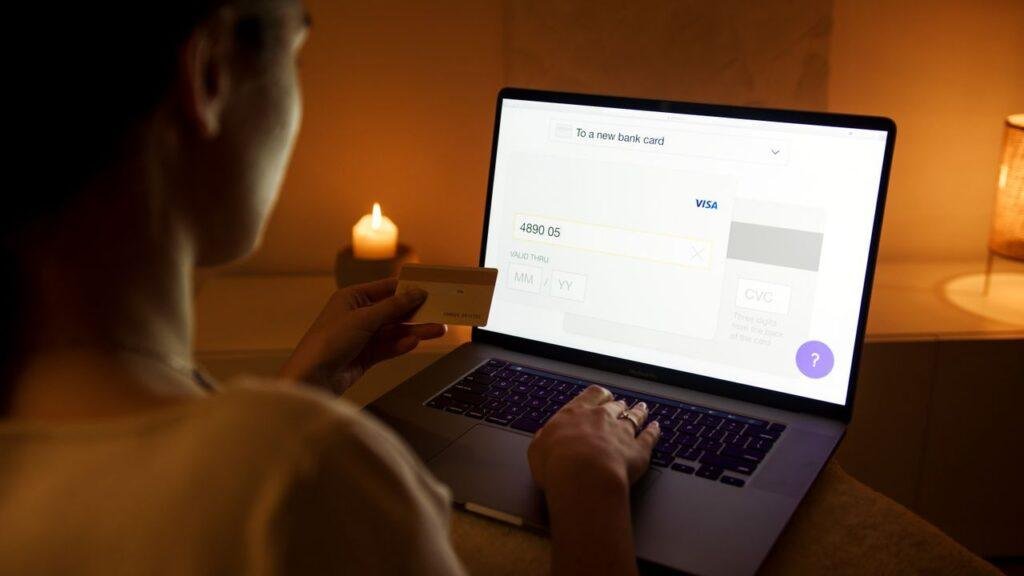
Online and mobile banking means handling your personal finances 24/7, without needing to visit a branch or wait for business hours. Most students already use their bank’s app in some basic way, but setting it up properly — beyond just checking your balance — makes it a genuinely useful tool instead of something you glance at occasionally.
Features worth actually setting up
Account alerts. Most banking apps let you set up notifications for specific triggers — a low balance warning, a large or unusual transaction, or a failed payment. These take a few minutes to configure and act as an early warning system, catching problems (an overdraft about to happen, a fraudulent charge) before they become bigger issues.
Mobile check deposit. If you ever receive a physical check — from family, a refund, a job — mobile deposit lets you deposit it by photographing it in the app, rather than needing to visit a branch or ATM. Worth confirming your specific bank supports it and knowing the process before you actually need it.
Bill pay. Setting up recurring or one-time bill payments directly through your banking app centralizes your outgoing payments in one place, rather than juggling separate logins for every biller.
Account linking and easy transfers. If you have multiple accounts (checking, savings, or accounts at a different bank), setting up easy transfers between them makes it simple to actually follow through on habits like automating a small recurring transfer into savings, covered in the good spending habits post earlier in this series — the easier the transfer, the more likely the habit actually sticks.
The security side most students skip
Convenience is the obvious benefit of online banking, but the security side deserves just as much attention, since it’s specifically what a fraudster is trying to get around.
Use a strong, unique password — not one reused elsewhere. A password used across multiple accounts means a breach on an unrelated site can expose your bank login too. A password manager makes this genuinely easy to do without needing to memorize a dozen different passwords.
Enable two-factor authentication if your bank offers it. This adds a second verification step (usually a code sent to your phone) beyond just a password, making it significantly harder for someone to access your account even if they somehow got your password.
Learn to recognize phishing attempts targeting students specifically. A common pattern: a text or email claiming your account is locked, asking you to “verify” your information by clicking a link. Legitimate banks generally don’t ask for sensitive information this way. When in doubt, don’t click the link — log into your account directly through the official app or website instead, and check from there.
Be cautious with banking on public WiFi. Campus WiFi, coffee shop networks, and other public connections aren’t always secure. If you need to check your account away from a trusted network, using your phone’s cellular data or a VPN is safer than an open public WiFi connection.
Log out of shared or public devices, and avoid saving your banking password on a computer that isn’t yours — a library or shared dorm computer, for example.
This connects directly to your fraud protection habit
Everything above pairs naturally with the monthly statement review covered earlier in this series. Account alerts catch suspicious activity in real time; the monthly review is your backstop for anything the alerts miss. Together, a properly set-up online banking system and a consistent review habit cover both the immediate and the periodic side of keeping your account secure.
A few minutes, done once
Most of this setup takes only a few minutes and only needs to be done once. Given how central your checking account is to everything else in this series — your budget, your tracking app, your bill payments — a properly configured, secured online banking setup is one of the highest-value, lowest-effort systems you can put in place early in the school year.